RPA is software that does rule-based computer work the way a person does: it opens applications, reads and enters data, sends e-mails and moves files. You define the steps once, and the robot repeats them accurately, as often as you need.
Automating well-defined work saves time and money, and frees your people for the work that needs them.
Robots work on top of the systems you already have. There is nothing to replace, so projects go live quickly and cost less.
With the right process, robots run on schedules and triggers day and night, at the same quality every time.
Robots take the repetitive part. Your teams handle customers, exceptions and decisions.
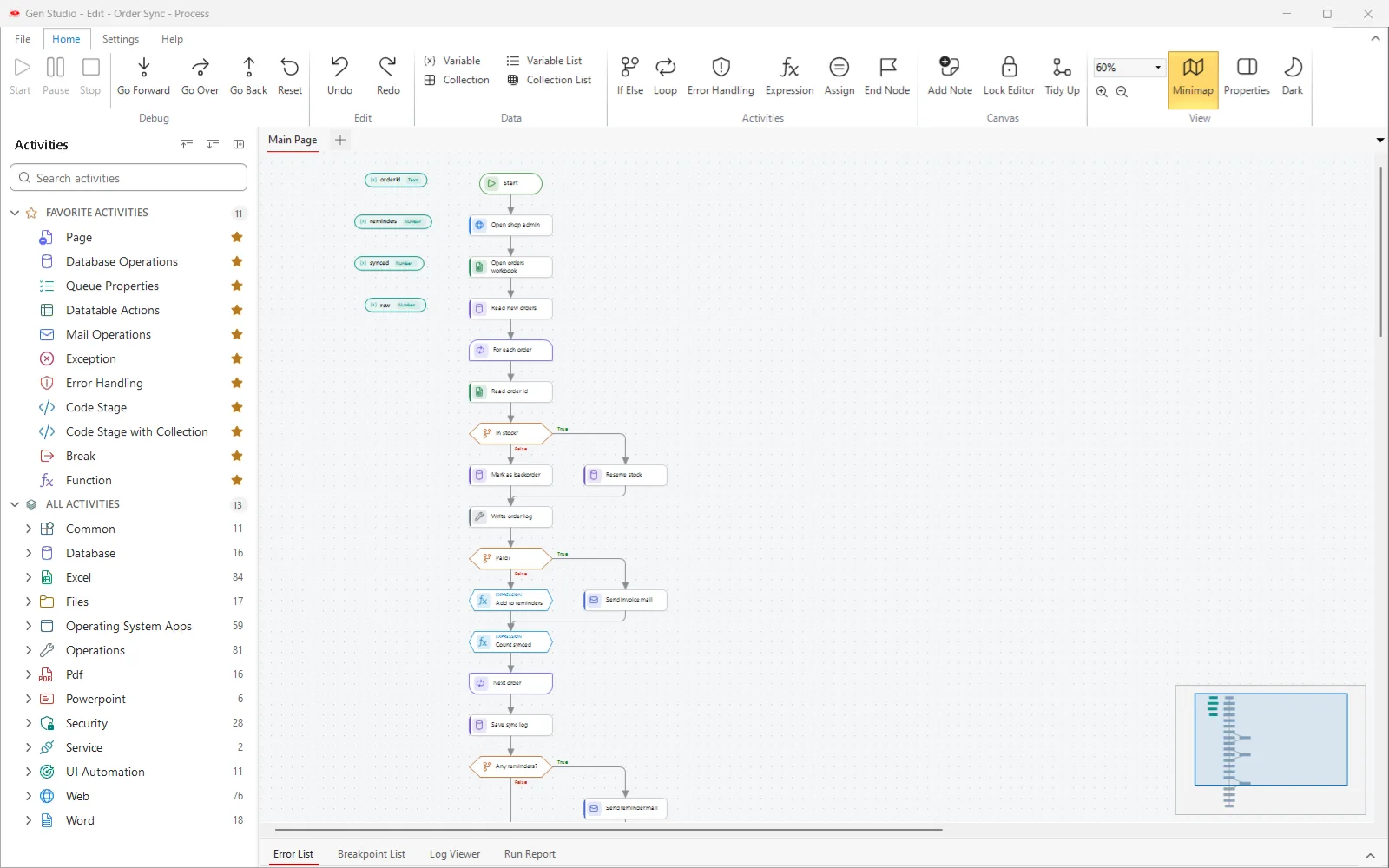
Most RPA projects follow five steps. This is how they look in GenRPA.
Choose rule-based, repetitive work with clear inputs and a clear result.
Draw the steps on the GenStudio canvas from ready-made activities.
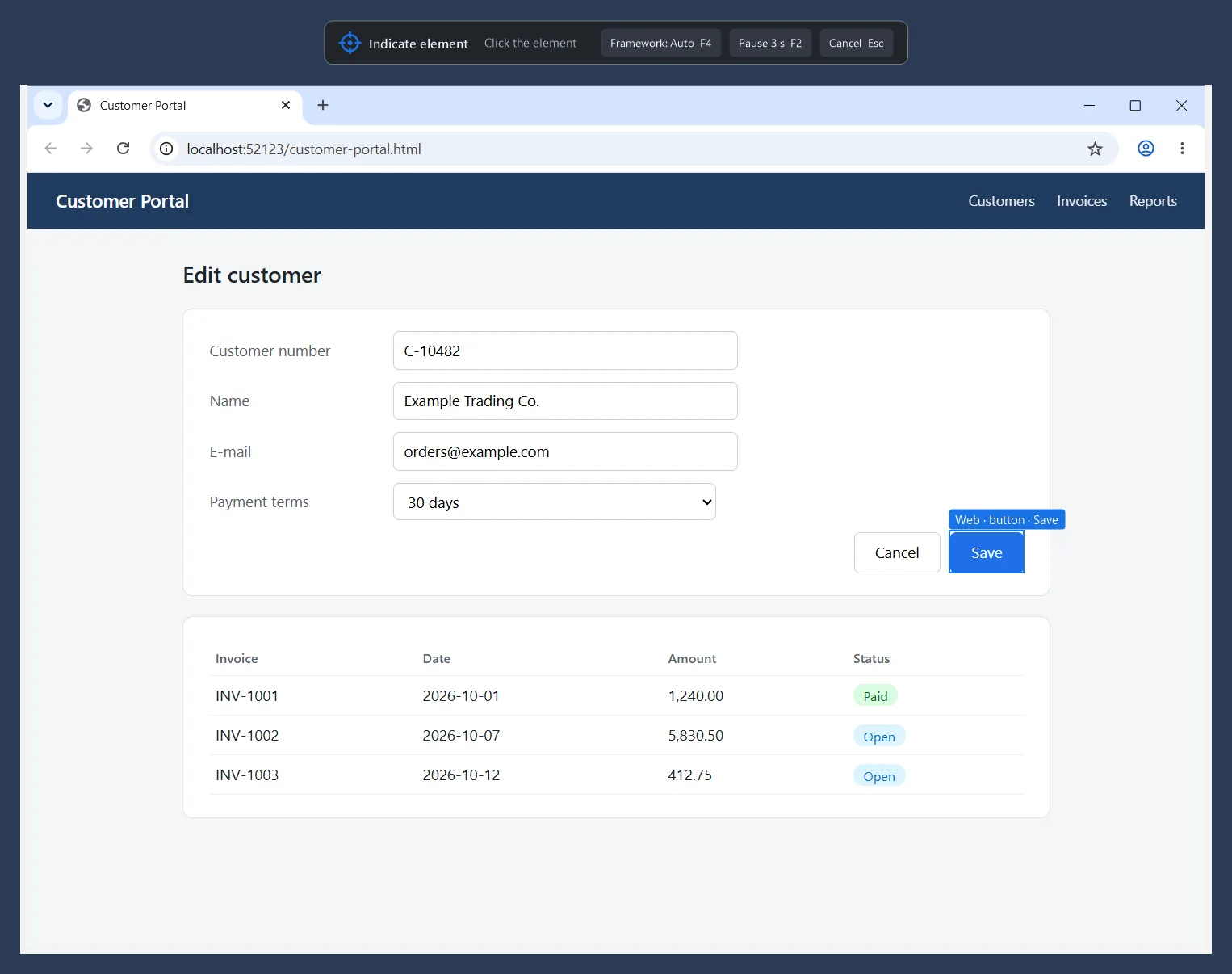
Show the robot the fields and buttons; UI Explorer turns them into stable targets.
Run it, read the Run Report and fix what Process Analyzer finds before go-live.
Robots run on schedules or triggers; GenControlRoom shows every run, queue item and robot.
In GenRPA these come as ready-made activities: drag them onto the canvas instead of writing code.
Click, type and read in Windows applications, including older Java and Delphi programs, and in Chrome and Edge.
Read and write Excel workbooks, and work with Word and PowerPoint files.
Read, filter and send e-mails, also from Exchange Online.
Connect to databases securely to read and update data.
Call REST and SOAP services and connect your systems to each other.
Read the text of PDF files, work with CSV and zip files, and move files between folders.
RPA works through the same screens your team uses, so it also reaches systems that have no API. In GenRPA v4 you point at an element; GenRPA frames it, names it and builds a target the robot can find again.
The more of these a process ticks, the faster it pays off.
Every decision in the process can be written down as a rule.
The task repeats often: every day, or many times a day.
The data comes from systems, Excel files, forms or e-mails with a known layout.
The screens involved do not change every week.
Copying and typing mistakes cost time, money or customer trust.
You can count the time and the errors before and after automation.
When the processes waiting in IT's backlog go live with RPA, every side benefits.
Fewer small integration requests. IT focuses on larger projects and keeps control through one central control room.
Waiting processes go live sooner, manual steps disappear and the business becomes more agile.
Faster answers, fewer errors and a better experience.
Let's pick the right processes together and build your digital workforce with GenRPA v4.
Contact us